Connect Google Calendar
Show real availability and put every booked call in your calendar with a Google Meet link.
-
Open Booking and choose Connect Google Calendar
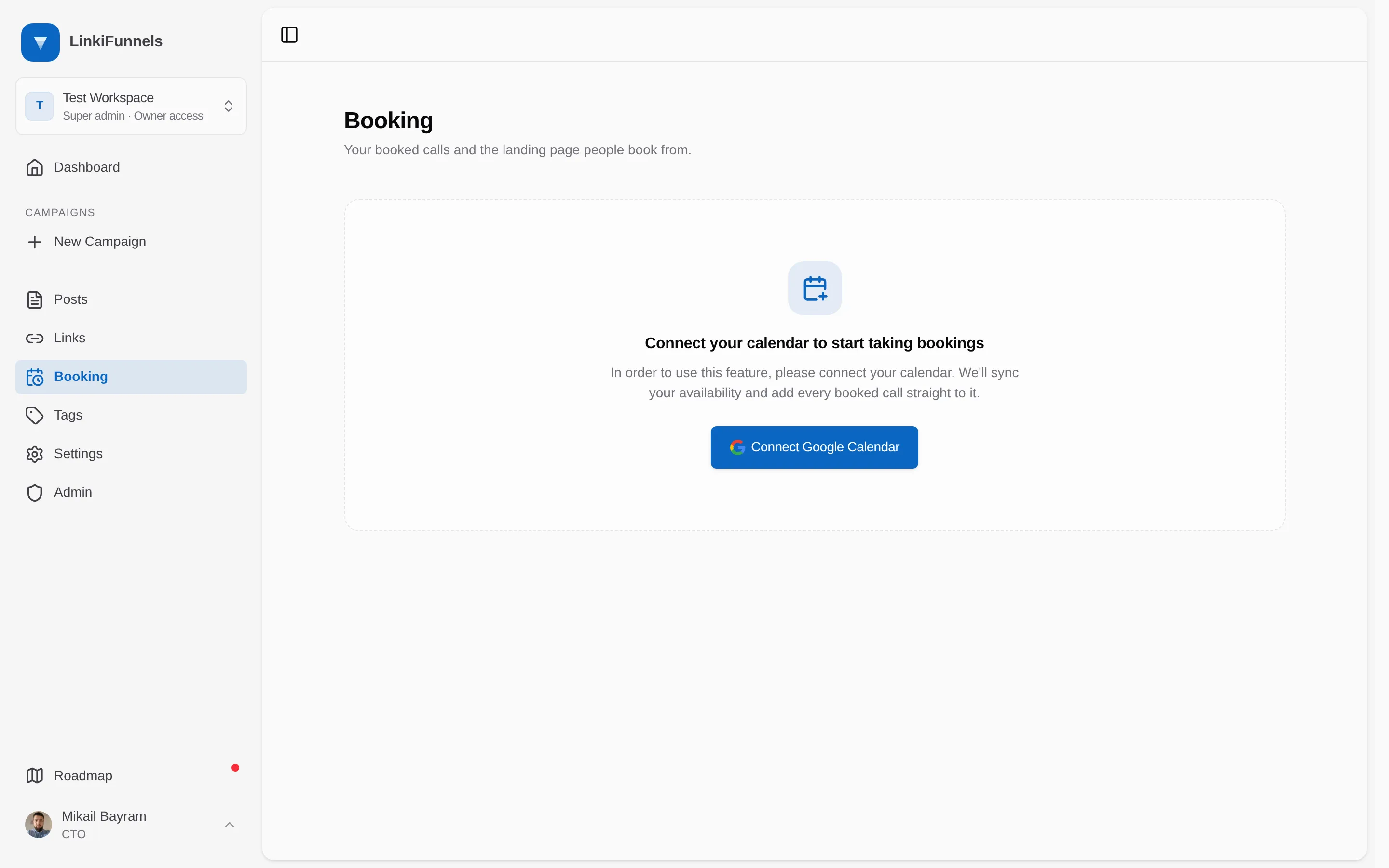
-
Approve the two permissions on Google
LinkiFunnels asks to see when you are busy and to create and change events. It does not read the contents of your existing events.
-
Done
The Booking page opens with your upcoming and past calls. One Google account is connected per workspace.
What LinkiFunnels does with your calendar
Section titled “What LinkiFunnels does with your calendar”| Action | When |
|---|---|
| Reads free and busy times | Every time a visitor loads your booking page, so only genuinely free slots are offered |
| Creates an event | When someone books. Title “Call with” and the booker’s name, both of you as attendees, and a Google Meet link |
| Deletes the event | When you cancel the call in LinkiFunnels |
| Checks the event still exists | Every 15 minutes. If you delete the event in Google Calendar, the booking is canceled and the booker is emailed |
Disconnect
Section titled “Disconnect”Disconnecting is not yet available from the interface. Contact support and we disconnect the account for you, or connect a different Google account to replace it.