Create your workspace
Sign up, get your first workspace, and find your way around before you create anything.
A workspace holds everything for one business or client: posts, tracked links, campaigns, leads, emails, and the people who work on them. Every account starts with one.
Sign up
Section titled “Sign up”-
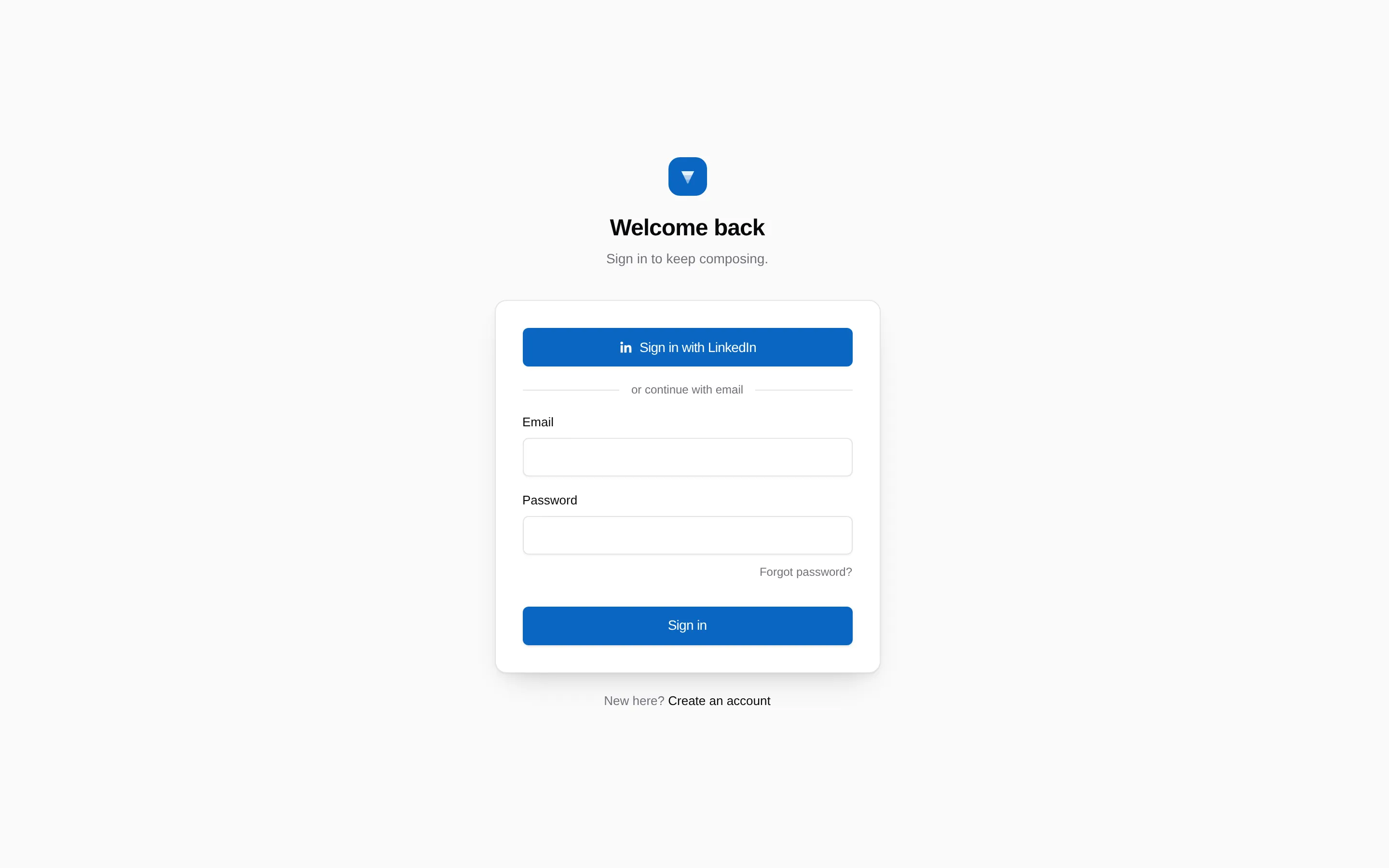
Choose how to sign in
Go to app.linkifunnels.com and pick Continue with LinkedIn or sign up with an email address and password.
Signing in with LinkedIn only reads your name, profile photo, headline, and email. It does not let LinkiFunnels post for you. Publishing is a separate permission you grant later, see Connect your LinkedIn account.
-
Your first workspace is created for you
It is named after you, for example “Dana’s workspace”, and you are its owner. You can rename it any time under Settings, then Workspace.
-
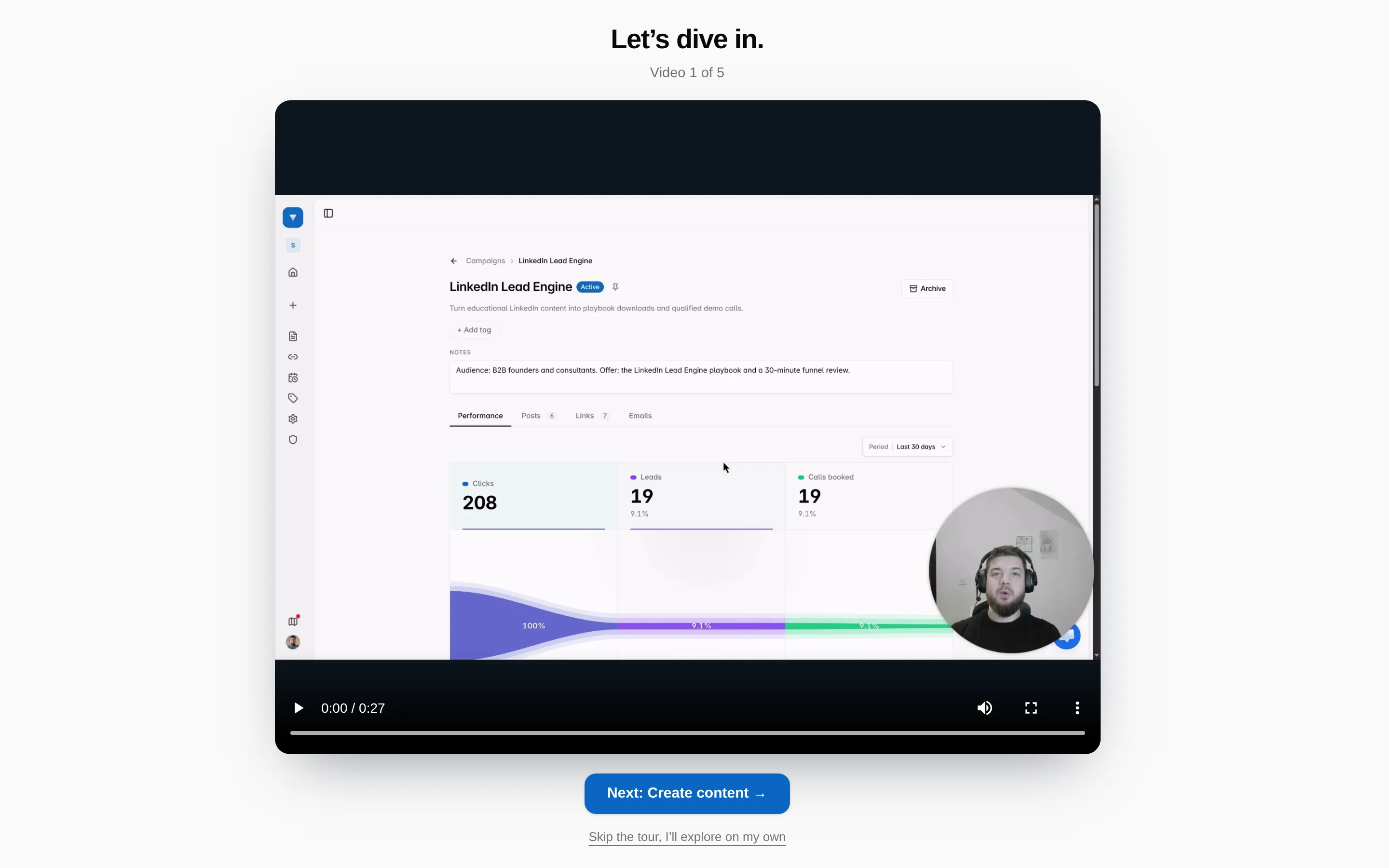
Watch the tour, or skip it
The welcome page leads into five short videos: the campaign overview, where your content lives, tracked links, follow-up emails, and booked calls. Skip takes you straight to the dashboard.
More than one workspace
Section titled “More than one workspace”Open the workspace switcher at the top of the sidebar to create another workspace or move between them. Each workspace has its own members, links, custom domains, email domain, and API tokens. Nothing is shared between workspaces.
If someone invited you, accept the invitation and that workspace appears in the switcher alongside your own. See Invite your team.