Move a link between posts
Detach a short link from one post and attach it to another, and what happens to its history.
A link belongs to at most one post. To reuse it elsewhere:
-
Detach it from the current post
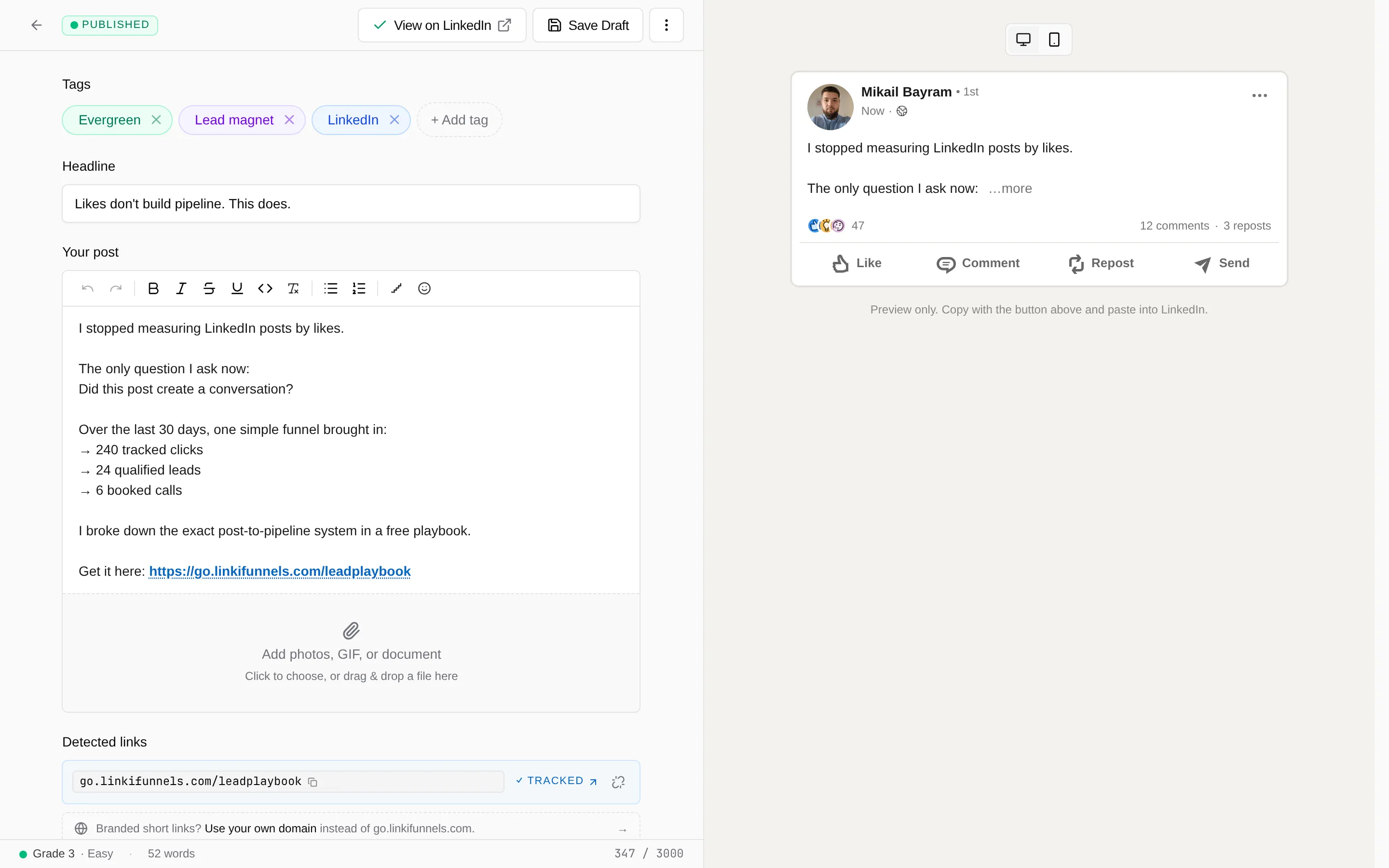
Open the post in the composer. Under Detected links, every attached short link has a detach action. Choose it and confirm. The link stays in your workspace and keeps redirecting; it just no longer belongs to a post.
-
Paste it into the other post
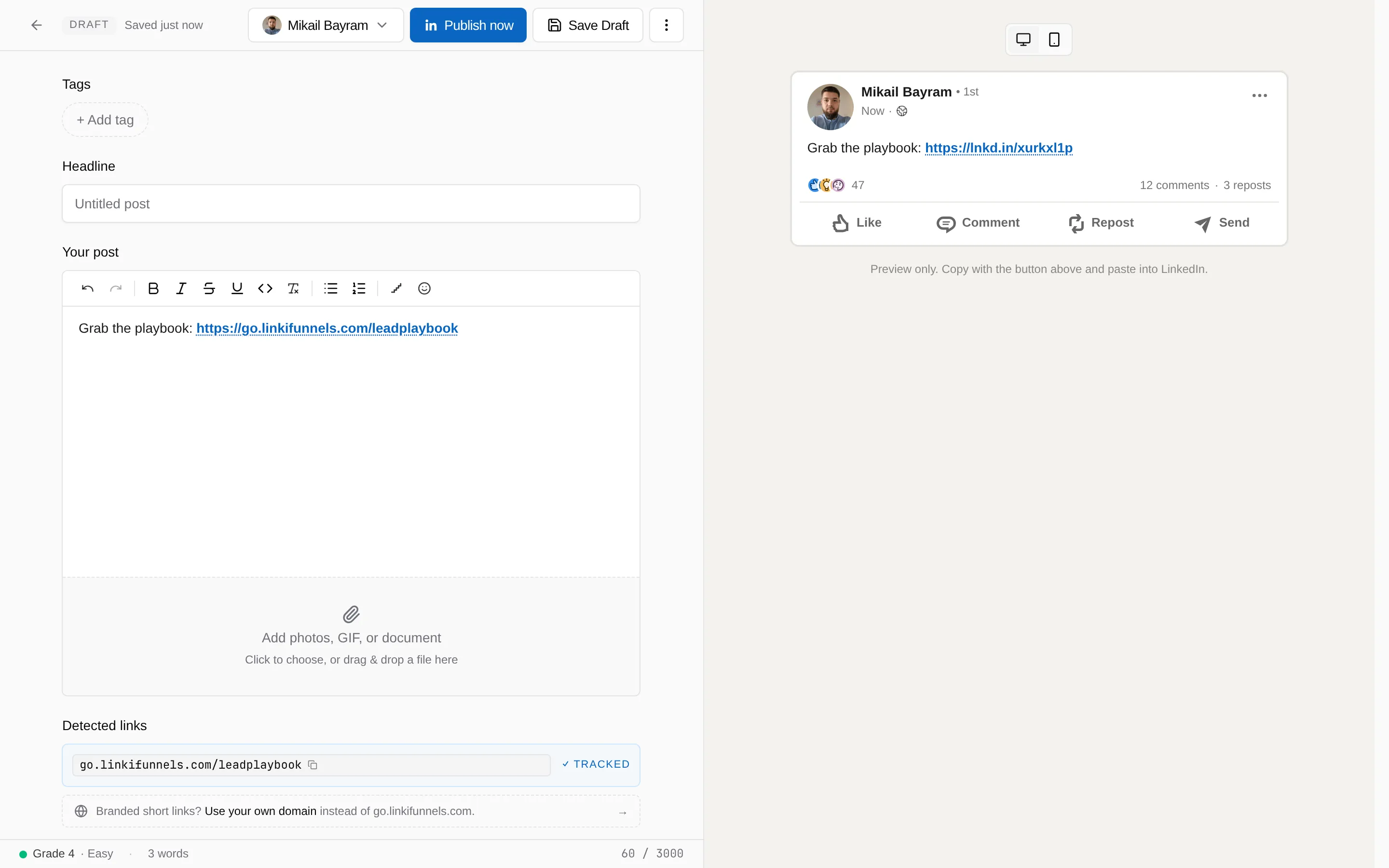
Paste the short link into the other post’s text. It shows up under Detected links, and when you save the post LinkiFunnels attaches it, as long as the link has no post at that point.
If you want the same offer in a second post without sharing numbers, copy the post instead. The copy gets fresh links that start from zero, see What a campaign is.