Authenticate API requests
Create an API token, pass it as a bearer token, and revoke it when it leaks or when an integration retires.
-
Create a token
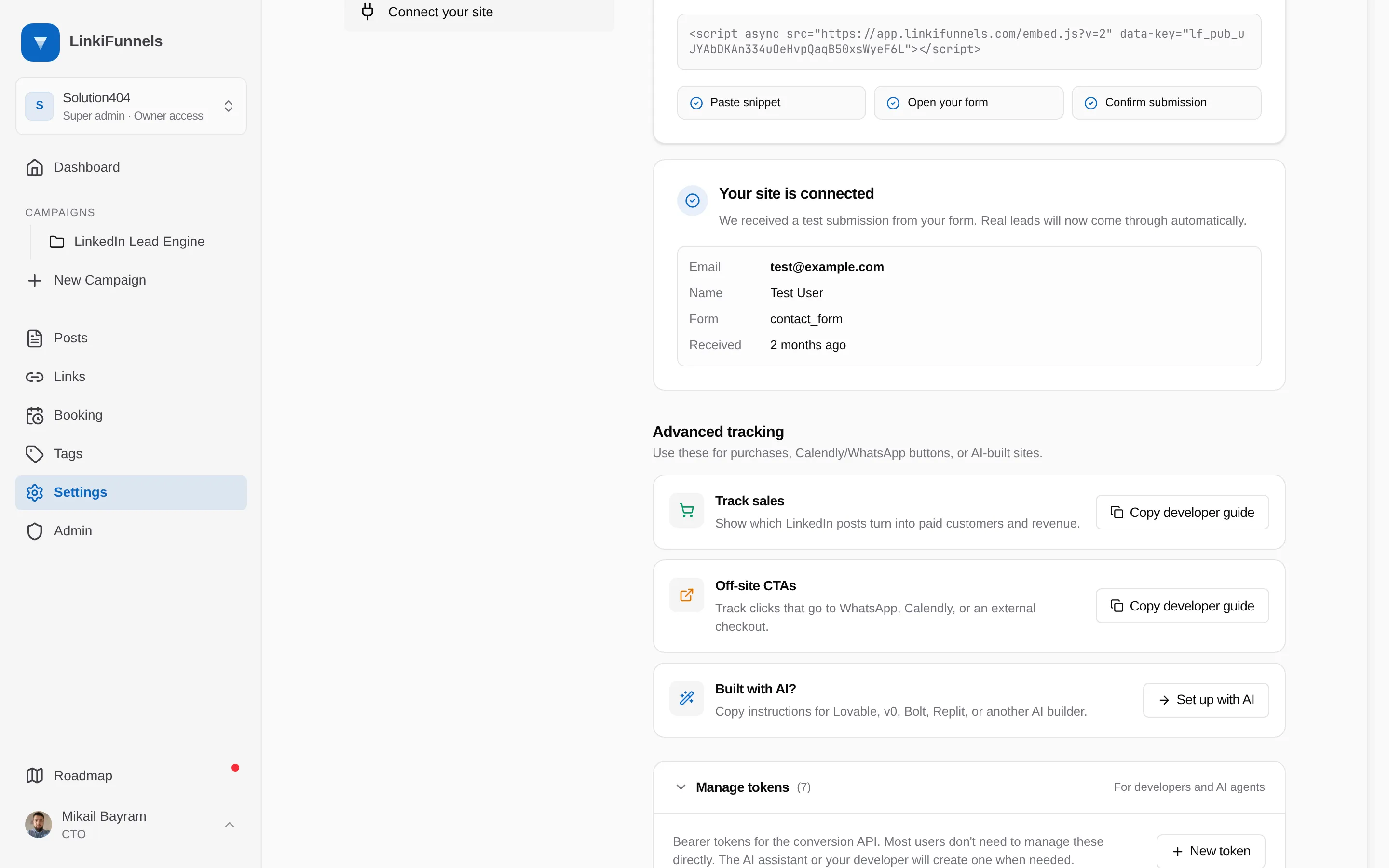
Open Settings, then Connect your site, expand Manage tokens, and choose New token. Give it a name that says where it lives, for example “Production backend”.
-
Copy it now
The token starts with
lf_live_and is shown once. Store it as an environment variable on your server, for exampleLINKIFUNNELS_API_TOKEN. LinkiFunnels keeps only a hash and the last four characters. -
Send it as a bearer token
Authorization: Bearer lf_live_...
What a token can do
Section titled “What a token can do”A token grants full access to the conversions API for its workspace. There are no narrower scopes. Treat it like a password: never put it in client-side code, in a repository, or in a prompt you share.
Revoke a token
Section titled “Revoke a token”In the same panel, choose the token and confirm Revoke. Requests with that token get 401 unauthorized from that moment. The row shows when the token was created and last used, which helps you find the one an integration is actually using.