Switch between workspaces
Move between the workspaces you belong to and create new ones.
The workspace switcher sits at the top of the sidebar. It lists every workspace you own or were invited to. Pick one to switch; the whole app, including links, campaigns, domains, and settings, changes to that workspace.
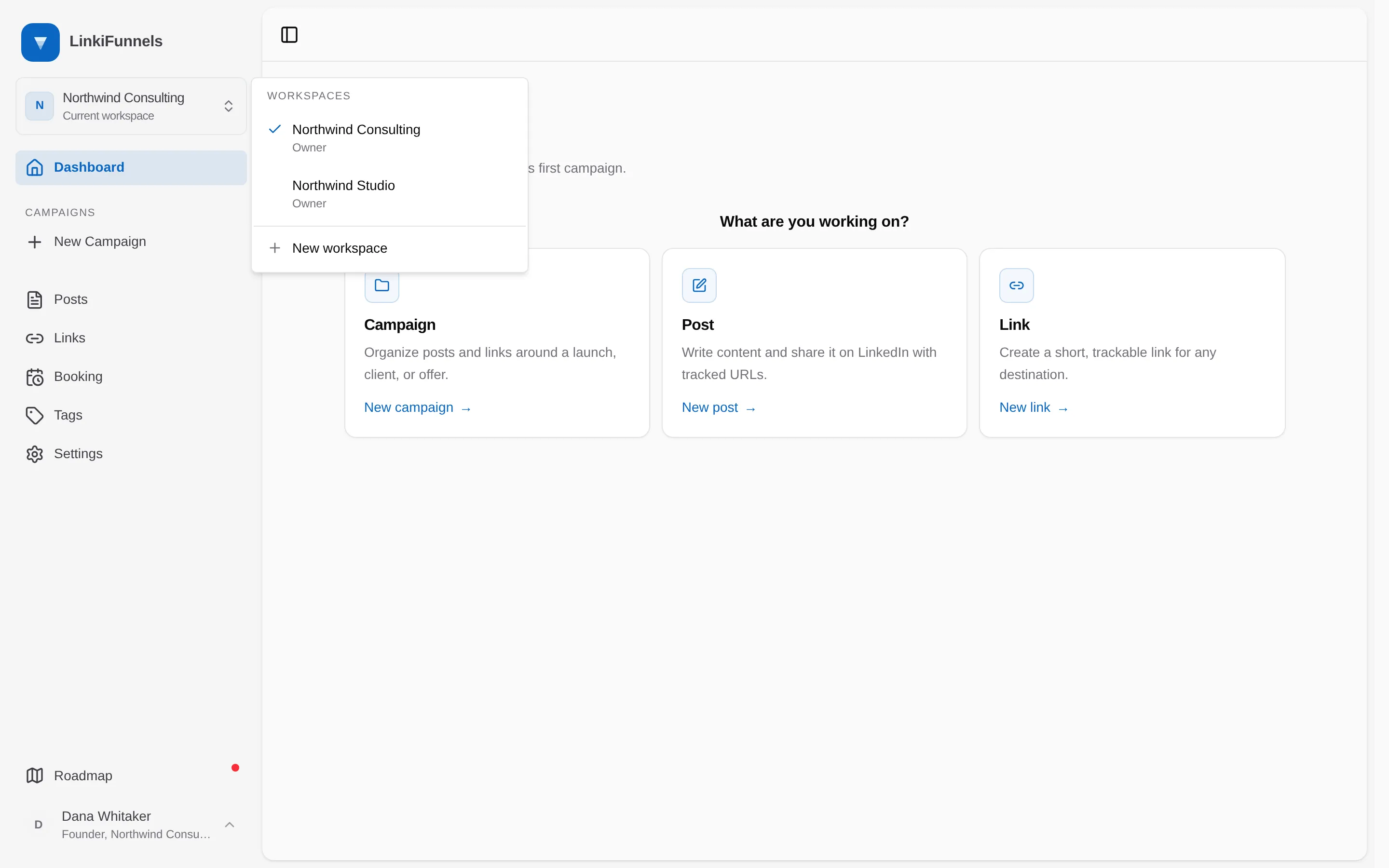
New workspace in the same menu creates another one with you as owner. Give it a name and you are switched into it right away.
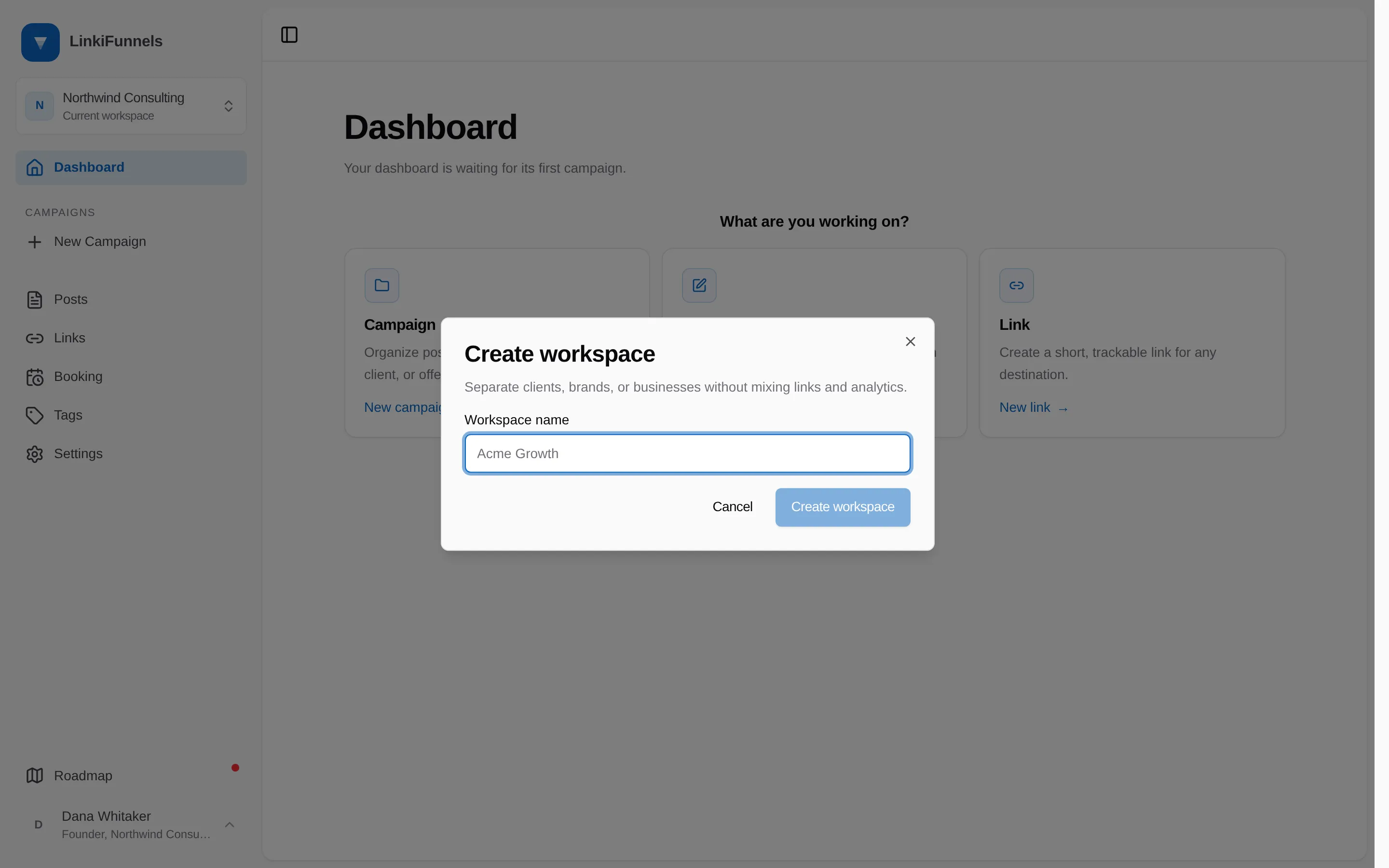
Use separate workspaces for separate businesses or clients: nothing is shared between them, including custom domains, email domains, and API tokens.