Copy a post to LinkedIn by hand
Publish through LinkedIn's own editor while keeping the tracked links and the formatting you wrote in LinkiFunnels.
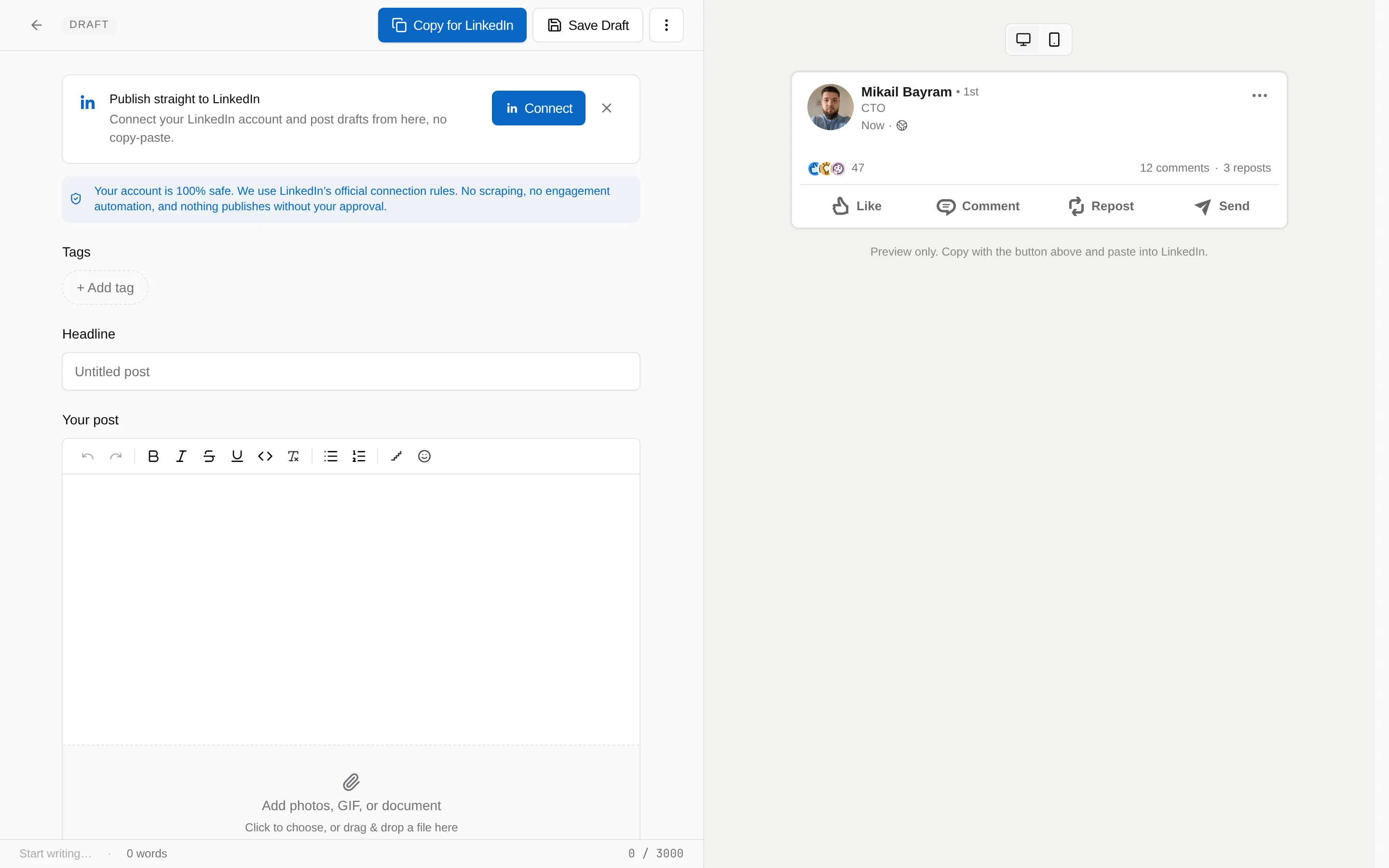
Copying by hand is how you publish when the workspace has no connected LinkedIn account. The composer shows Copy for LinkedIn in place of Publish now. Once an account is connected, posts go out through Publish or schedule instead.
-
Choose Copy for LinkedIn in the composer
LinkiFunnels copies both plain text and formatted text, so bold, italic, lists, and blank lines paste correctly into LinkedIn.
-
Paste into LinkedIn and post
Your tracked short links are in the text already, so clicks are counted from the first second.
-
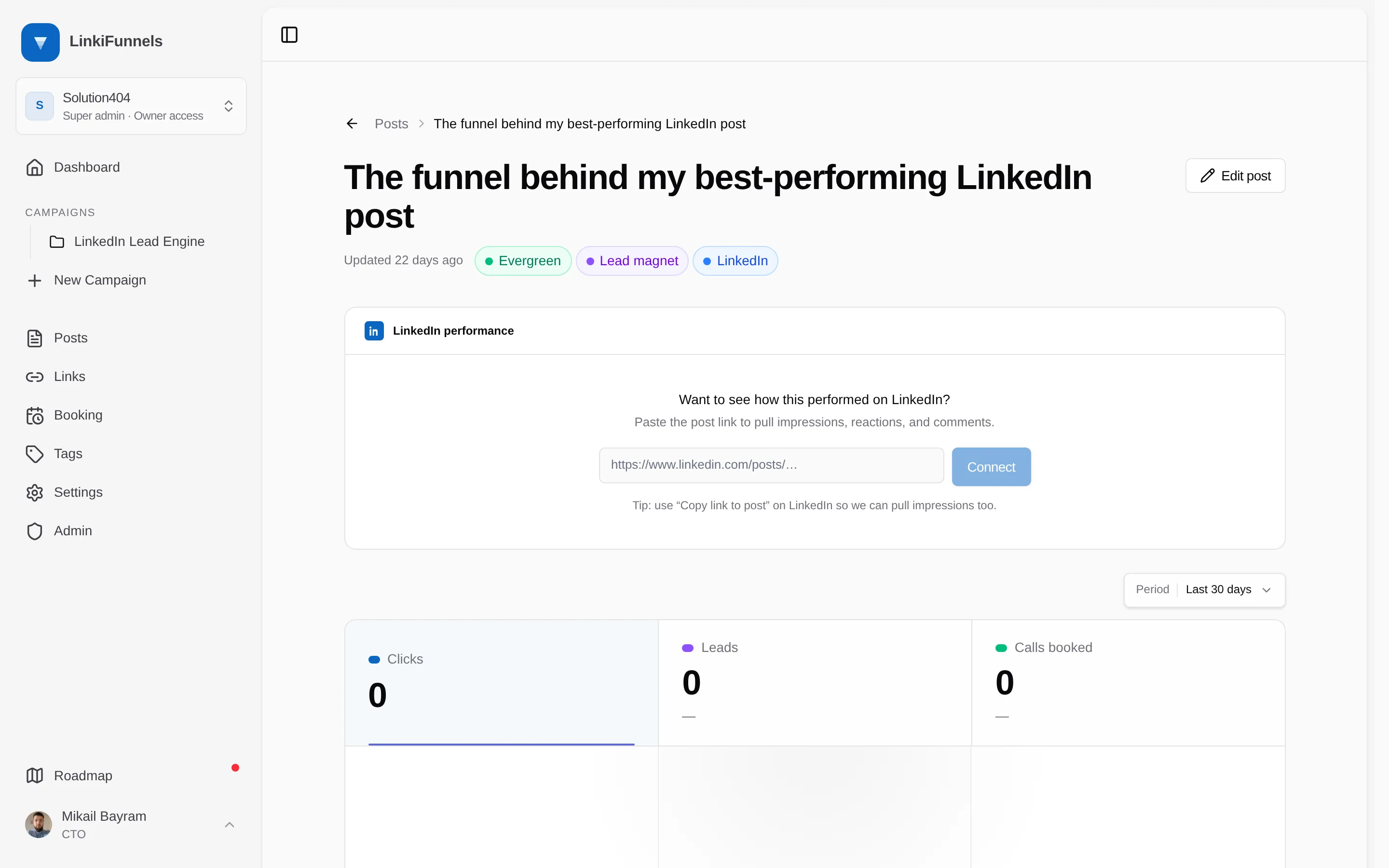
Connect the published post
Open the post’s performance page and paste the LinkedIn URL of the post, so impressions, reactions, and comments show up next to your clicks. Use Copy link to post on LinkedIn so impressions come through as well.