Send your first campaign email
Write an email inside a campaign, preview it, send a test, and activate it so leads receive it.
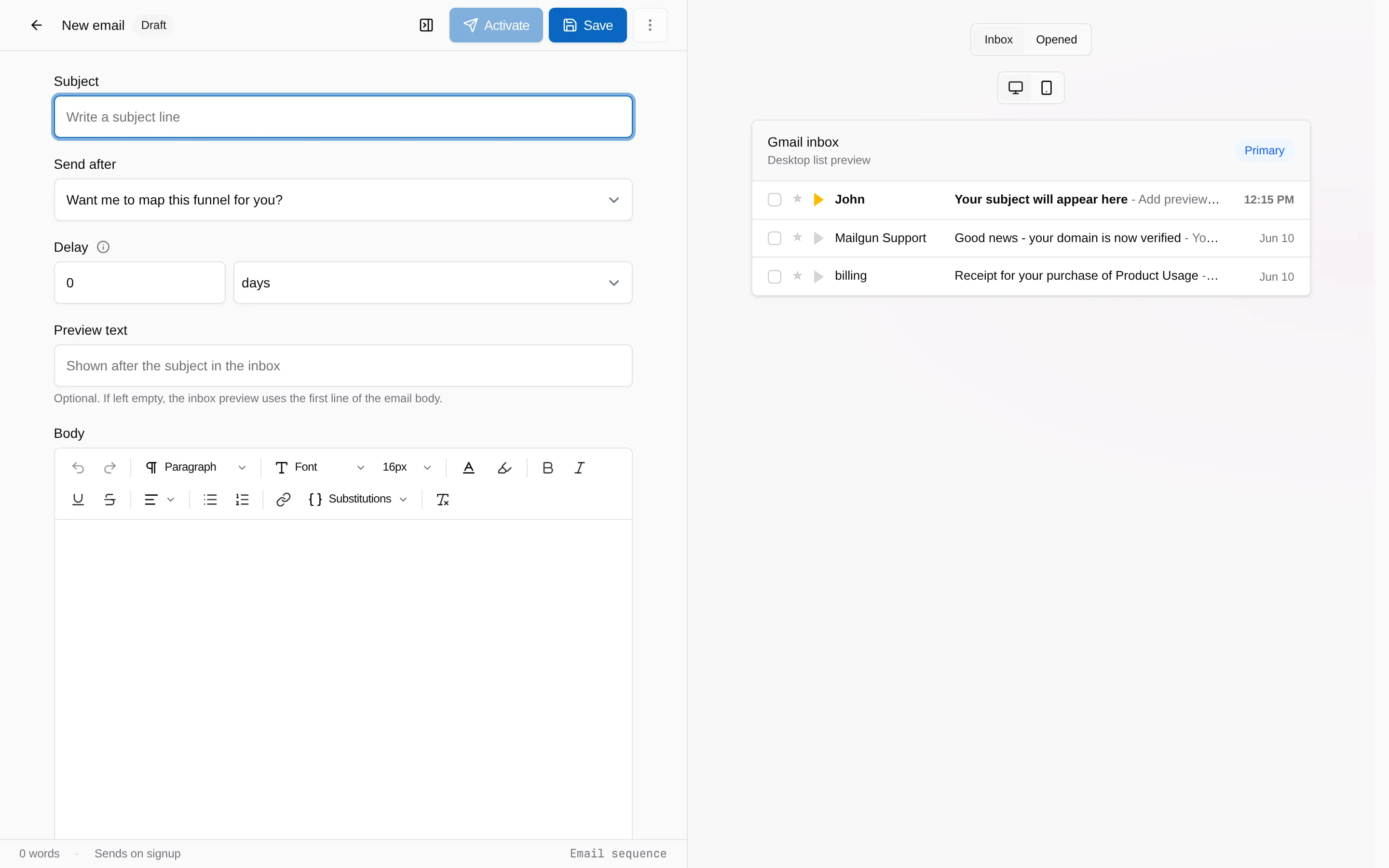
Campaign emails belong to a campaign and go to the leads that campaign produces. You need a verified sending domain before anything sends, but you can write and test beforehand.
-
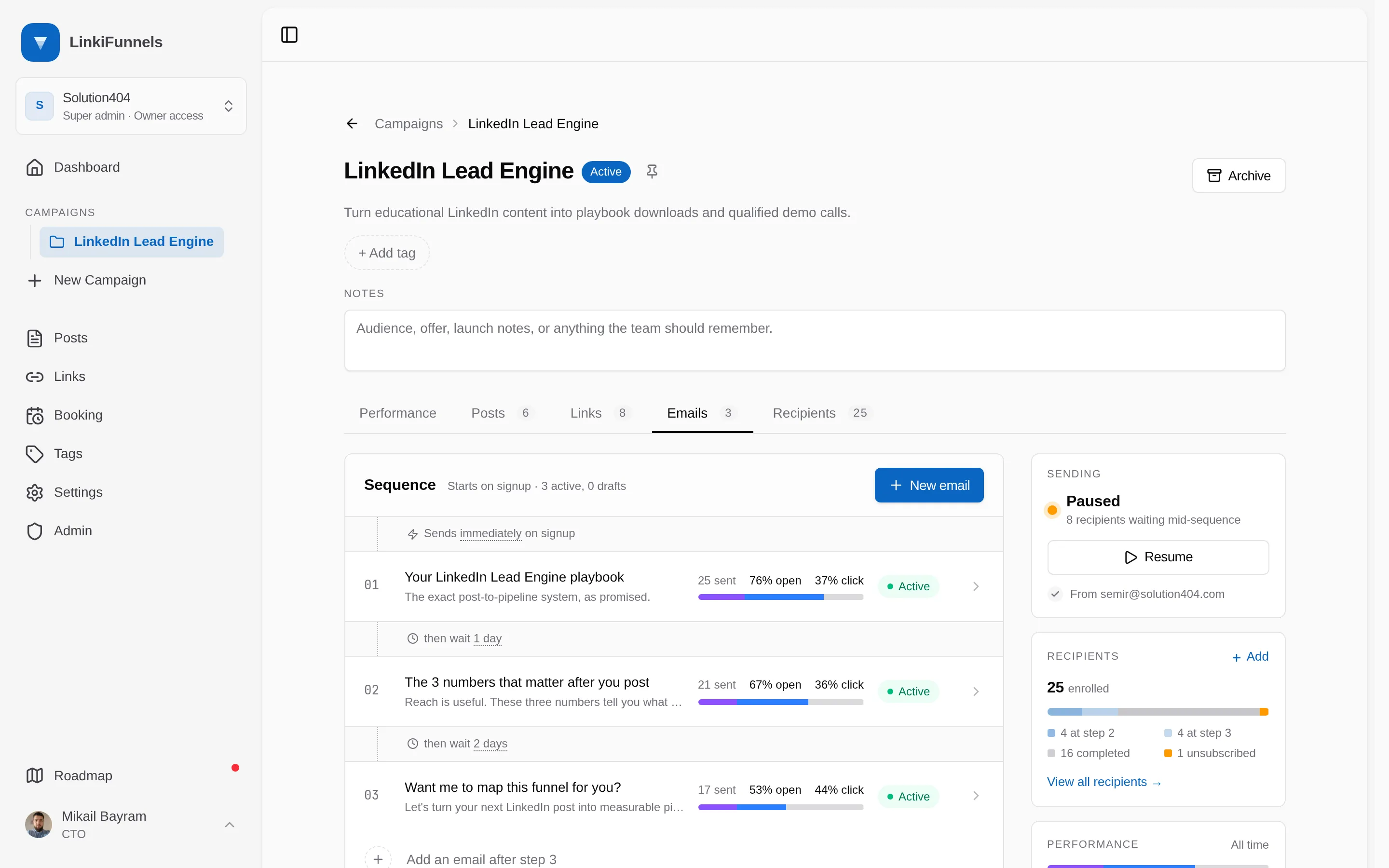
Open the campaign, then the Emails tab, and choose New email
Write a subject, an optional preheader, and the body. The editor has text styles, fonts, colors, lists, links, images, and a Substitutions menu for the recipient’s first name, full name, email, and your booking link.
-
Attach files, if any
The Files panel accepts PDF, Word, Excel, CSV, text, images, and ZIP up to 50 MB each. Files are delivered as download links, and each download is tracked.
-
Send a test
Send test email sends the saved version to your inbox and lets you fill in the substitutions by hand so you see what a recipient sees.
-
Activate the email
New emails are drafts. Switch the pill to Active. Drafts are skipped when the sequence runs.
-
Publish the sequence
On the Emails tab choose Publish. Pick whether to enroll only new leads or also the leads the campaign already has. From then on, every new lead receives the active emails in order.
What every email includes
Section titled “What every email includes”- Your sender name and address, and reply-to if set.
- An unsubscribe link in the footer, plus the one-click unsubscribe header inboxes use.
- Open and click tracking, so you can see opens and clicks per email.