Import your posts from AuthoredUp
Bring published posts and drafts from AuthoredUp into LinkiFunnels, with their text, tags, dates, and media.
-
Export from AuthoredUp
Export your published posts and, separately, your drafts as CSV. Both file types are recognized by their columns.
-
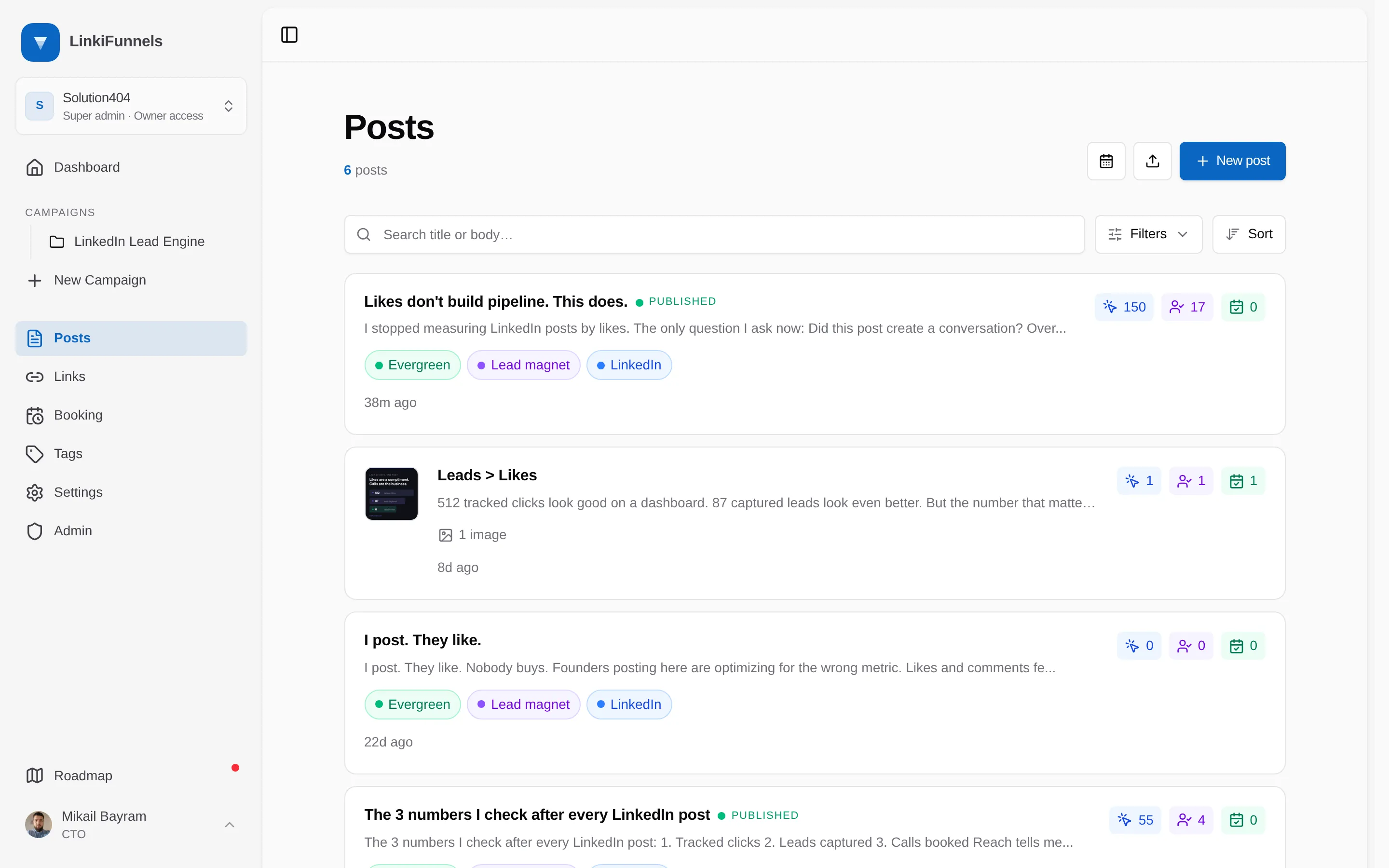
Open Posts and choose Import posts
The import icon sits next to New post.
-
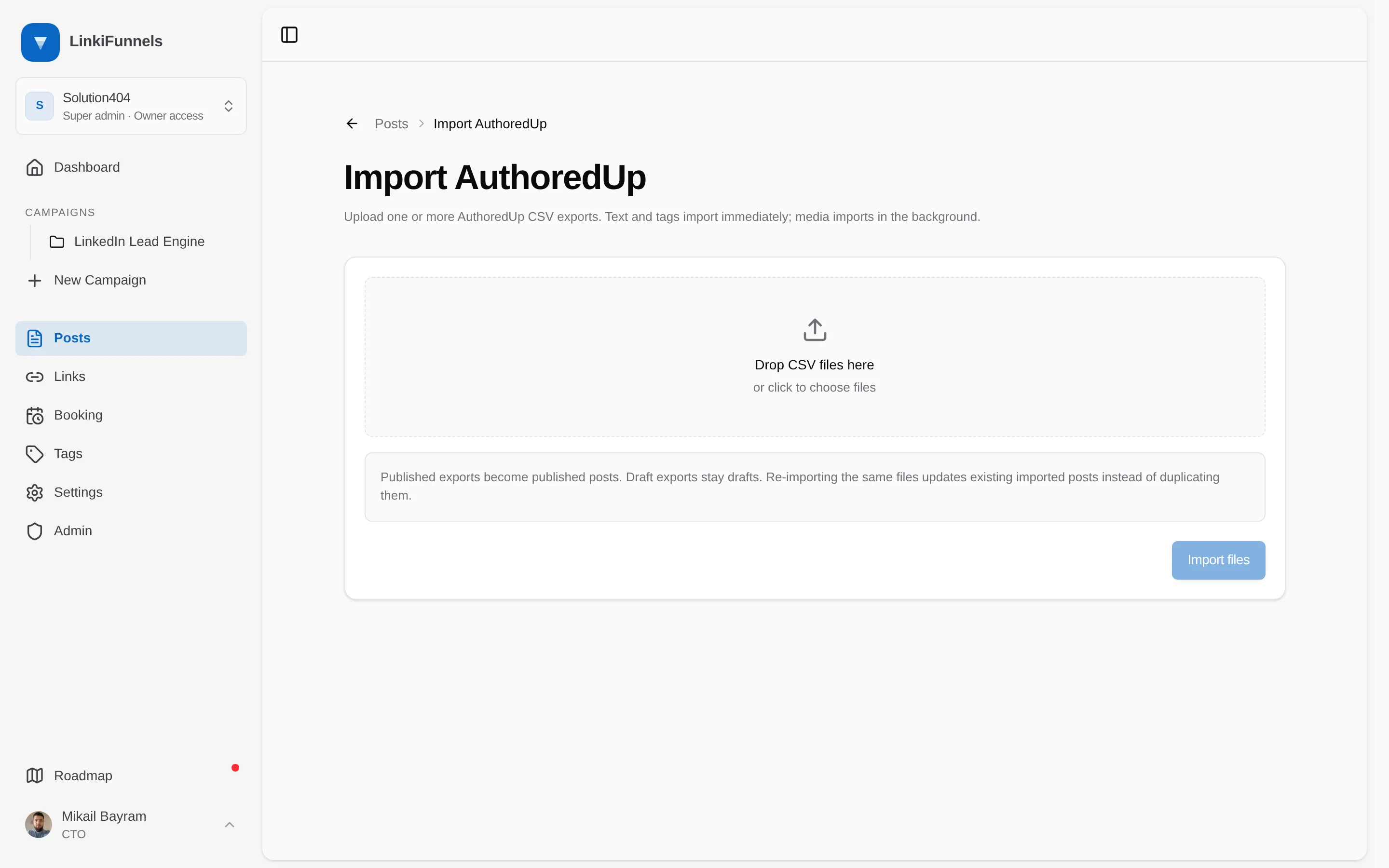
Choose the CSV files and import
Pick one or more files, up to 25 MB each, and choose Import files.
-
Follow the progress banner
Text and tags import immediately. Images and documents download in the background. The Posts page shows a progress banner until the import finishes.
What comes across
Section titled “What comes across”- Post text, with the title taken from the first line
- Status: published exports become published posts, draft exports stay drafts
- Created, updated, published, and scheduled timestamps
- The original LinkedIn URL
- Tags
- Up to nine images, or one document
Re-importing the same files updates the existing imported posts instead of duplicating them.