Connect a custom domain
Serve your tracked links from a subdomain you own, like links.yourcompany.com, instead of go.linkifunnels.com.
Before you start
Section titled “Before you start”You need access to the DNS settings for your domain. If someone else manages DNS for your company, send them the record from step 2. One DNS record is all it takes.
-
Add the domain in LinkiFunnels
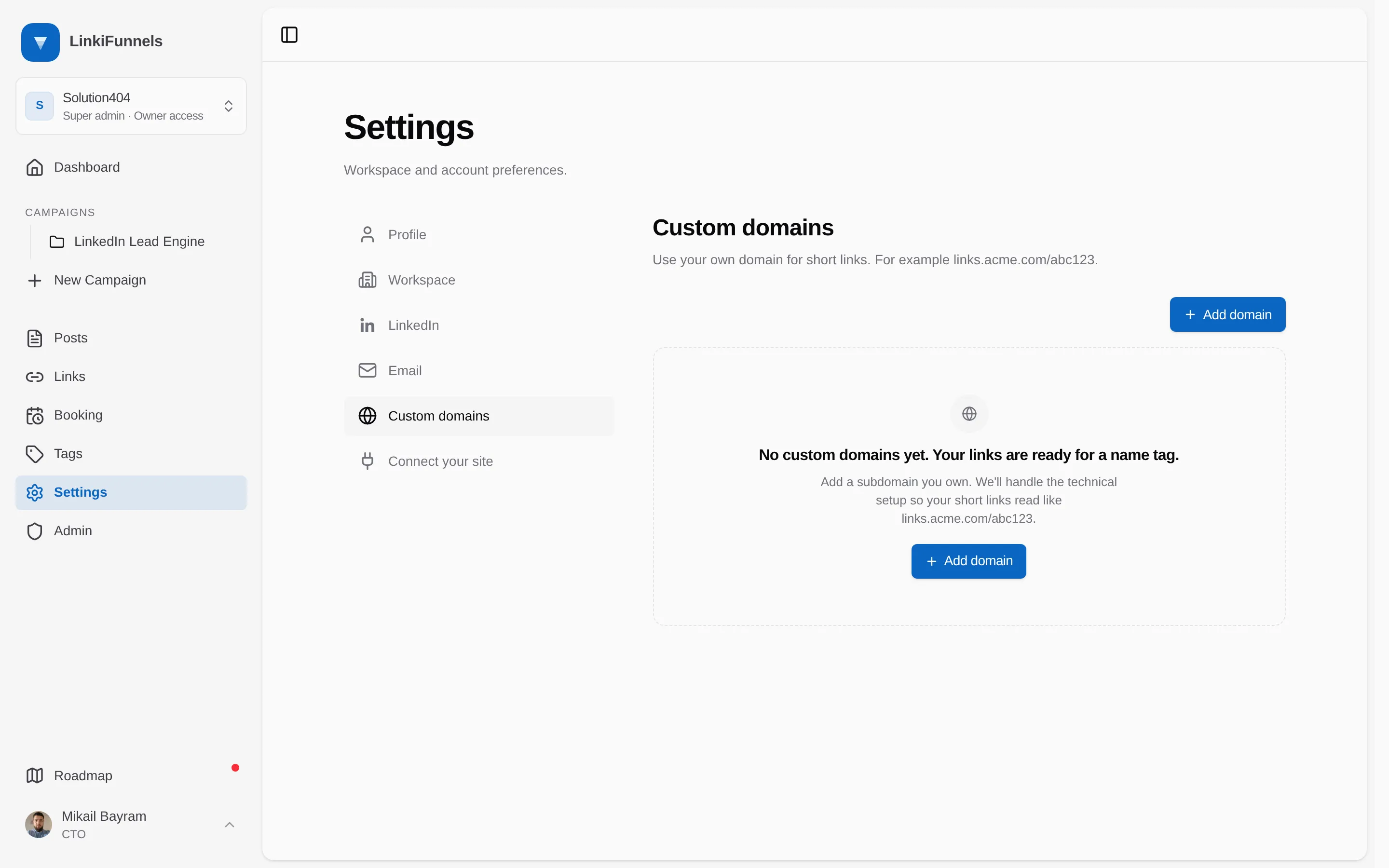
Open Settings, then Custom domains, and choose Add domain.
Enter a subdomain you own, for example
links.yourcompany.com. Use lowercase and no path, then choose Add domain.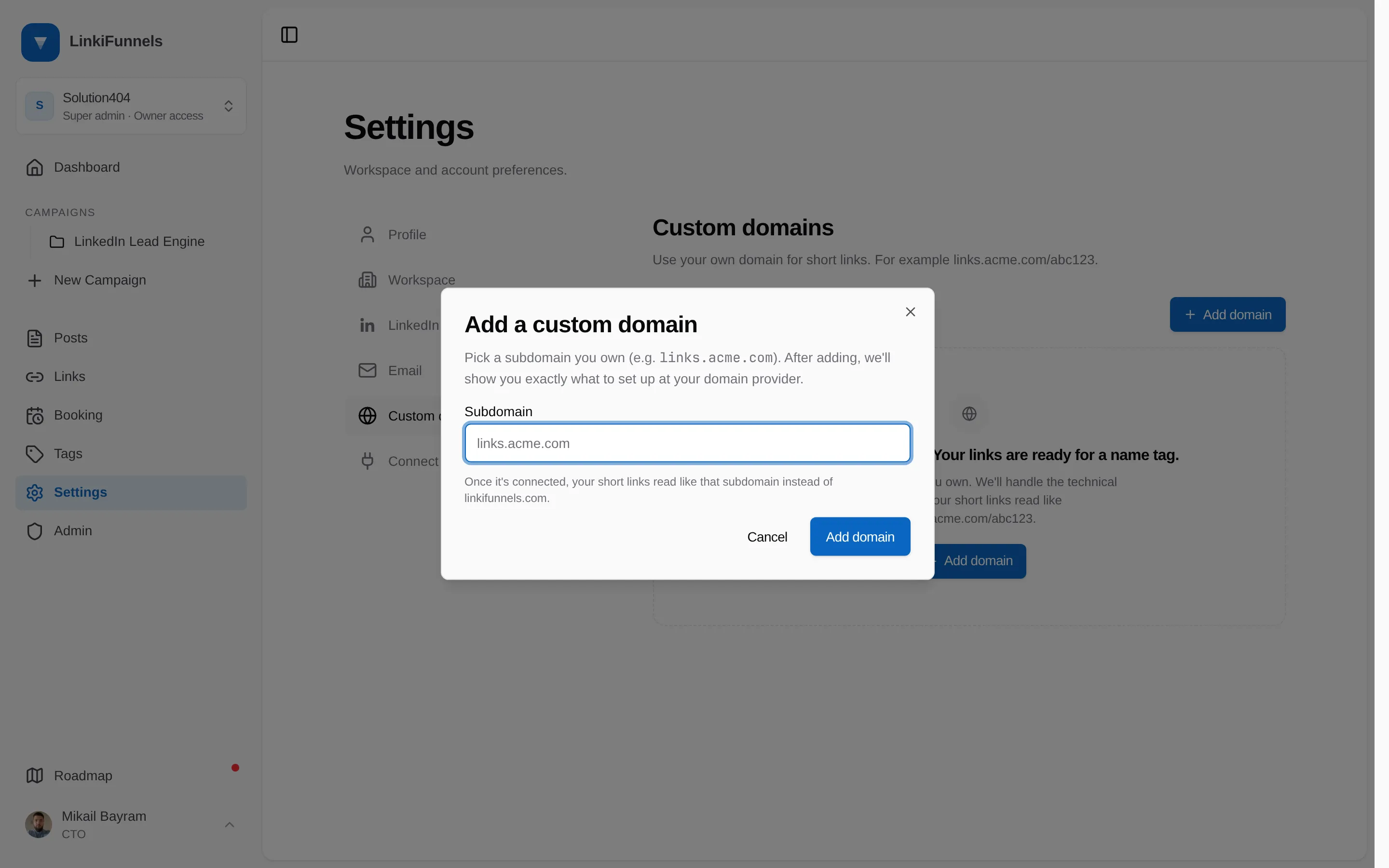
-
Add the CNAME record at your DNS provider
LinkiFunnels shows the exact record after step 1. It is always one CNAME:
Type Name Value CNAMElinks.yourcompany.comcname.linkifunnels.comMost providers want only the part before your domain in the Name field, so
linksrather thanlinks.yourcompany.com. Keep the type exactly as shown. -
Wait for the domain to go live
LinkiFunnels checks the record every minute for up to an hour, then stops. The card moves from Action needed to Almost ready while the certificate is issued, then to Live. Most domains are live within a few minutes, but DNS changes can take longer to spread.
Choose Check now to run a check immediately. It can run once every 30 seconds.
-
Use the domain
Your first custom domain becomes the default for new links automatically. Links created from now on use it. Existing links keep working on
go.linkifunnels.com; switch any of them from the link’s Domain selector.
Troubleshooting
Section titled “Troubleshooting”The card stays on Action needed
Section titled “The card stays on Action needed”Check the record name. Some providers append your domain automatically, which produces links.yourcompany.com.yourcompany.com. You can inspect what the internet sees with:
dig links.yourcompany.com CNAME +short# cname.linkifunnels.com.If the automatic checks stopped after an hour, choose Check now once the record is right.
Needs attention
Section titled “Needs attention”The card shows the exact message from the certificate provider. The usual causes are a proxied Cloudflare record, or a hostname that is already registered elsewhere. Fix the record and choose Check now.
“That hostname is already used by another workspace”
Section titled ““That hostname is already used by another workspace””A hostname can belong to one workspace at a time. Remove it from the other workspace first, or contact support if you no longer have access to it.
Removing a domain
Section titled “Removing a domain”Removing a domain archives every link on it. If you add the same domain again later, those links do not come back on their own; reactivate them one by one.