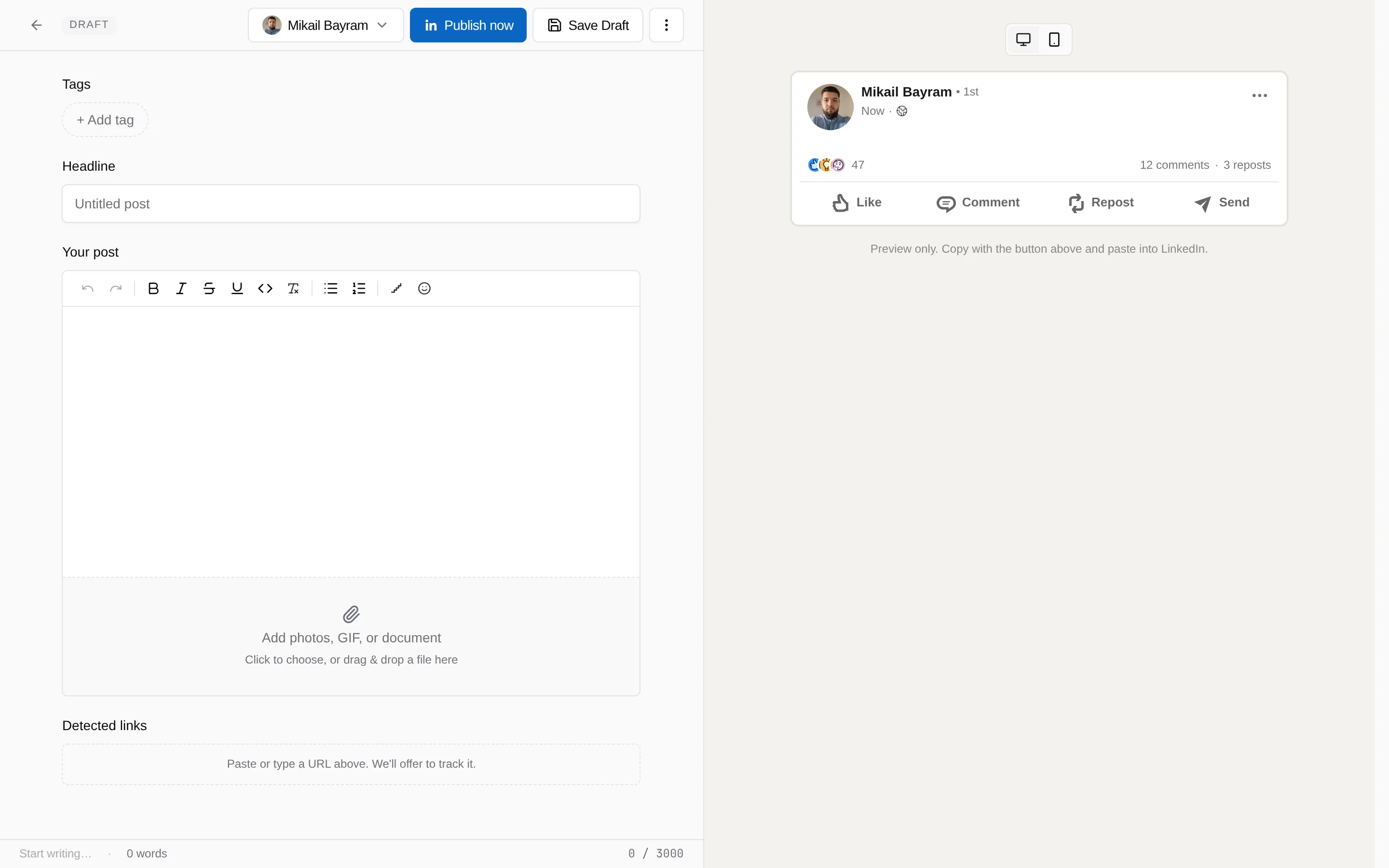
Write a post and add the link
Write the post in LinkiFunnels, track the link inside it, and publish it to LinkedIn or copy it over by hand.
Writing the post here instead of on LinkedIn is what connects a click to the post that caused it. The composer tracks the links for you and keeps the post, its links, and their analytics together.
-
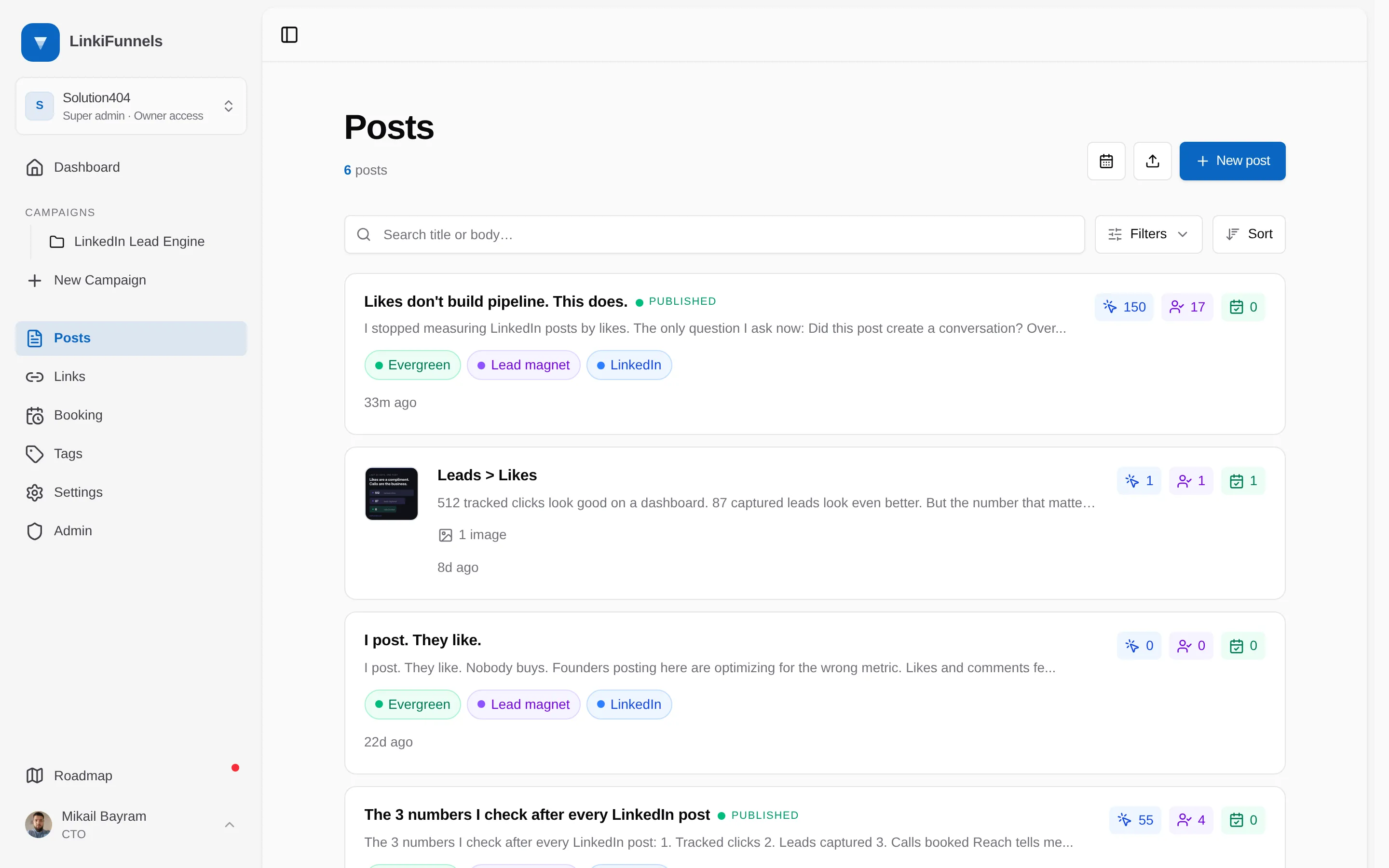
Open Posts and choose New post
-
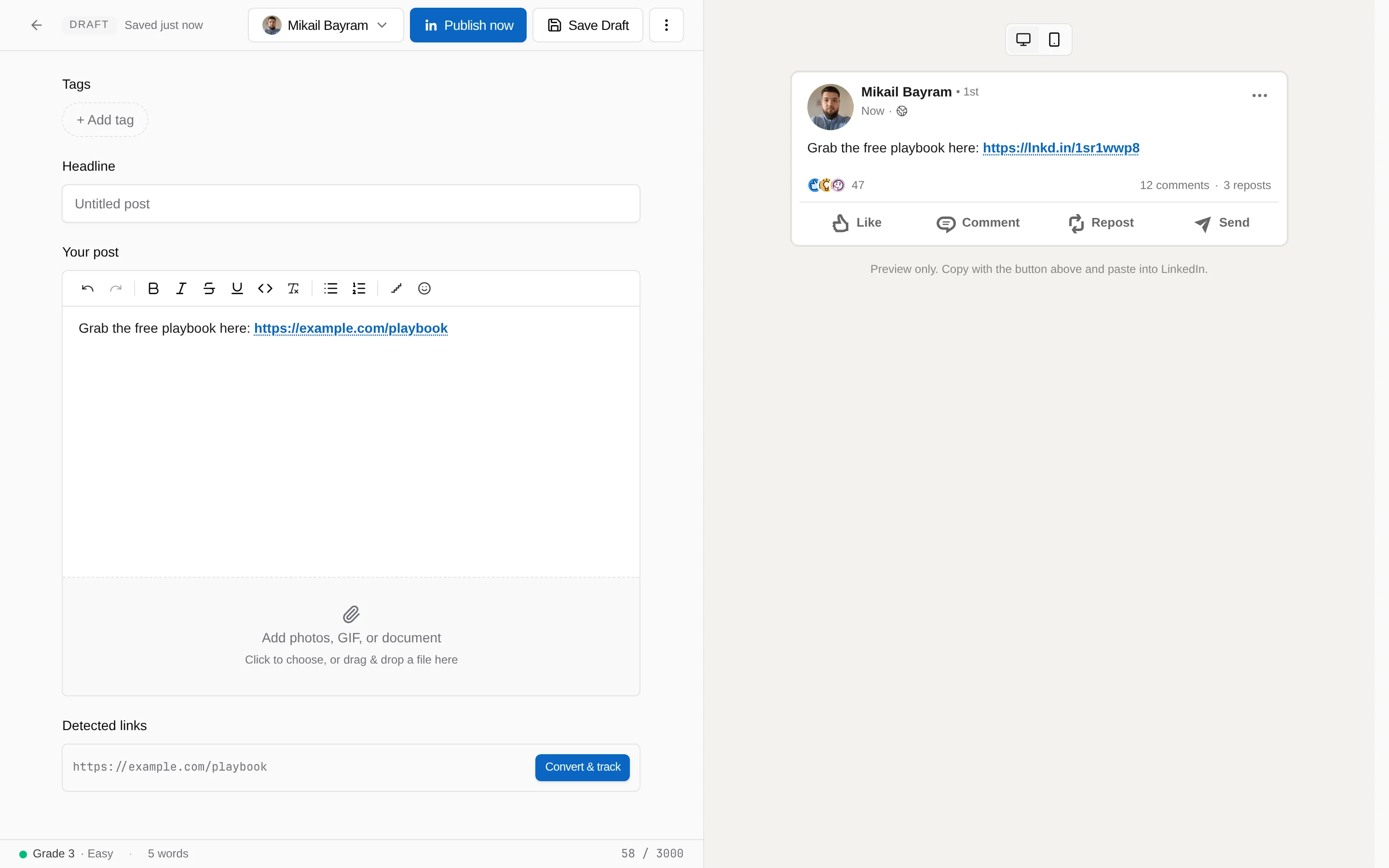
Write the post, paste your URL, and choose Track
The composer has bold, italic, strikethrough, underline, and monospace, bullet and numbered lists, an emoji picker, and a line shaper for the staircase patterns people use on LinkedIn. A post can hold up to 3,000 characters.
Every URL in the text shows up under Detected links below the editor. Choose Convert & track, or accept the prompt that appears when you paste a URL. The URL is replaced with a short link and the link is attached to this post.
-
Add media if you want it, then publish or copy
Drop up to nine images, or one PDF, PowerPoint, or Word document, or pick a GIF from the built in Giphy search. Images and a document cannot be combined in one post.
With a connected LinkedIn account, choose Publish now or open the menu next to it for Schedule for LinkedIn. Without one, choose Copy for LinkedIn, paste into LinkedIn, and post there. Formatting and line breaks survive the copy.