Update your profile
Change your name, headline, and photo, and manage the LinkedIn identity you sign in with.
Open Settings, then Profile. Your name, headline, and photo appear on share previews of your posts and in workspace member lists. If you signed up with LinkedIn, they were imported from there and you can change them freely.
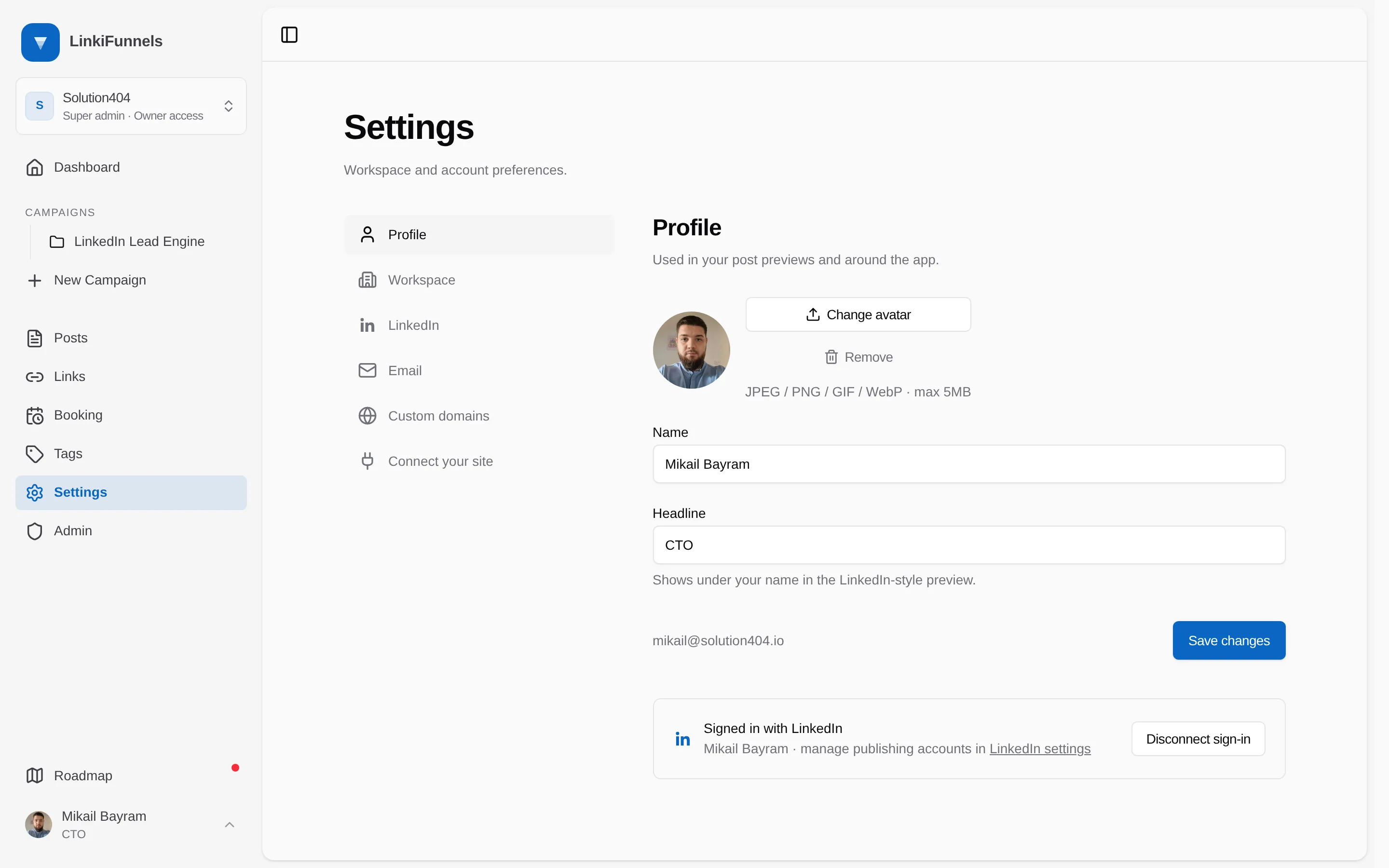
The same page shows the LinkedIn identity connected for signing in. Disconnecting it keeps your account; sign in with your email and password afterwards. This is separate from the LinkedIn publishing account, which lives under Settings, then LinkedIn accounts.