Create a tracked link
Create short links from the Links page or the composer, choose the domain they use, and archive them when they are done.
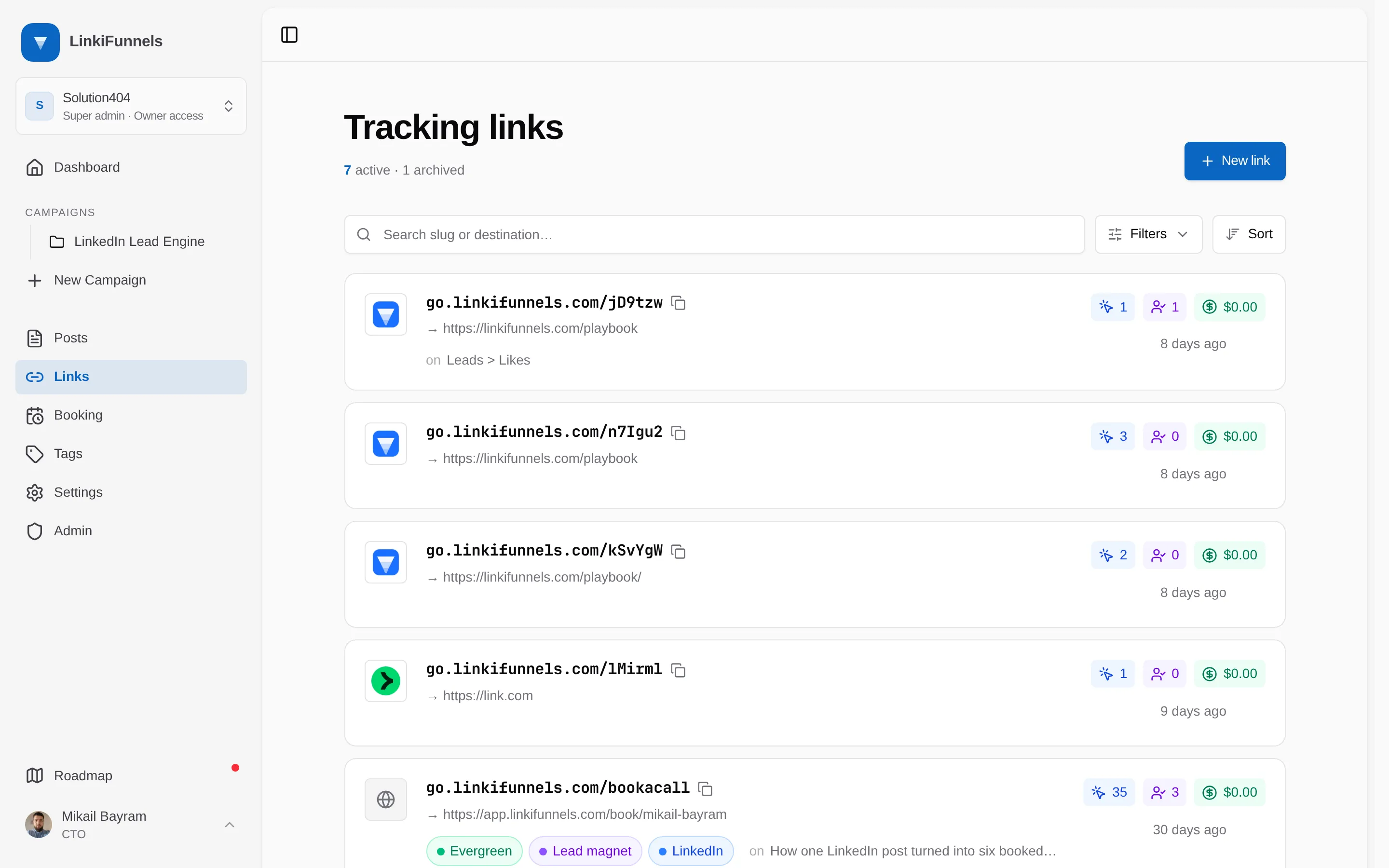
Two ways to create a link
Section titled “Two ways to create a link”From the Links page. Choose New link, paste the destination, add a note if you like, and create. The link exists on its own until you paste it into a post.
From the composer. Paste any URL into a post. The composer asks whether to track it; choose Track and the URL becomes a short link attached to that post. This is the way to go for most posts, because the click is credited to the post from day one.
What a link looks like
Section titled “What a link looks like”https://go.linkifunnels.com/x7Kq2a
go.linkifunnels.comis the system domain. Once you connect a custom domain, new links use it instead.x7Kq2ais a random six character slug. Slugs cannot be chosen or edited.
Change the domain of a link
Section titled “Change the domain of a link”Open the link and use the Domain selector. You can switch between the system domain and any live custom domain in the workspace. The old address stops working the moment you switch, so change domains before you share a link, not after.
Notes and tags
Section titled “Notes and tags”Notes hold up to 1,000 characters and are only visible in LinkiFunnels. Tags come from the workspace tag list; a link inherits the tags of its campaign.
Archive a link
Section titled “Archive a link”Archiving stops the redirect. Visitors get a “gone” response instead of your destination. The click history stays, and you can reactivate the link later.