Set your sender identity
Choose the name and address your campaign emails come from, decide where replies go, and send yourself a test.
-
Open Settings, then Email, then Sender and replies
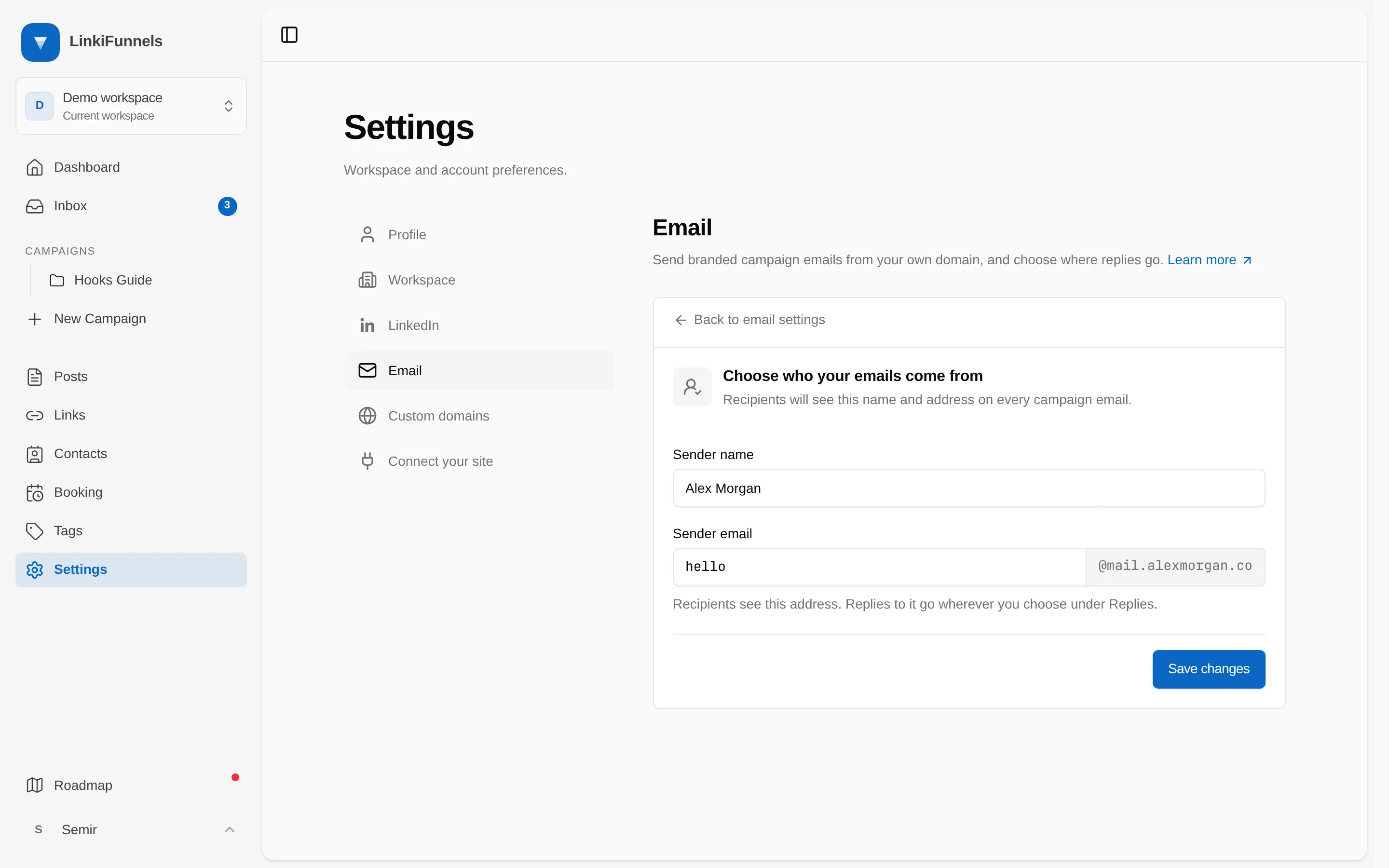
Fill in the Sender name people see in their inbox and the Sender email on your verified domain.
-
Decide where replies go
Under Replies, pick Read them in LinkiFunnels to turn the sender address into a real inbox with one DNS record, Send them to an inbox I already use to enter a Reply-to address, or Decide later. This part is optional. See Set up replies.
-
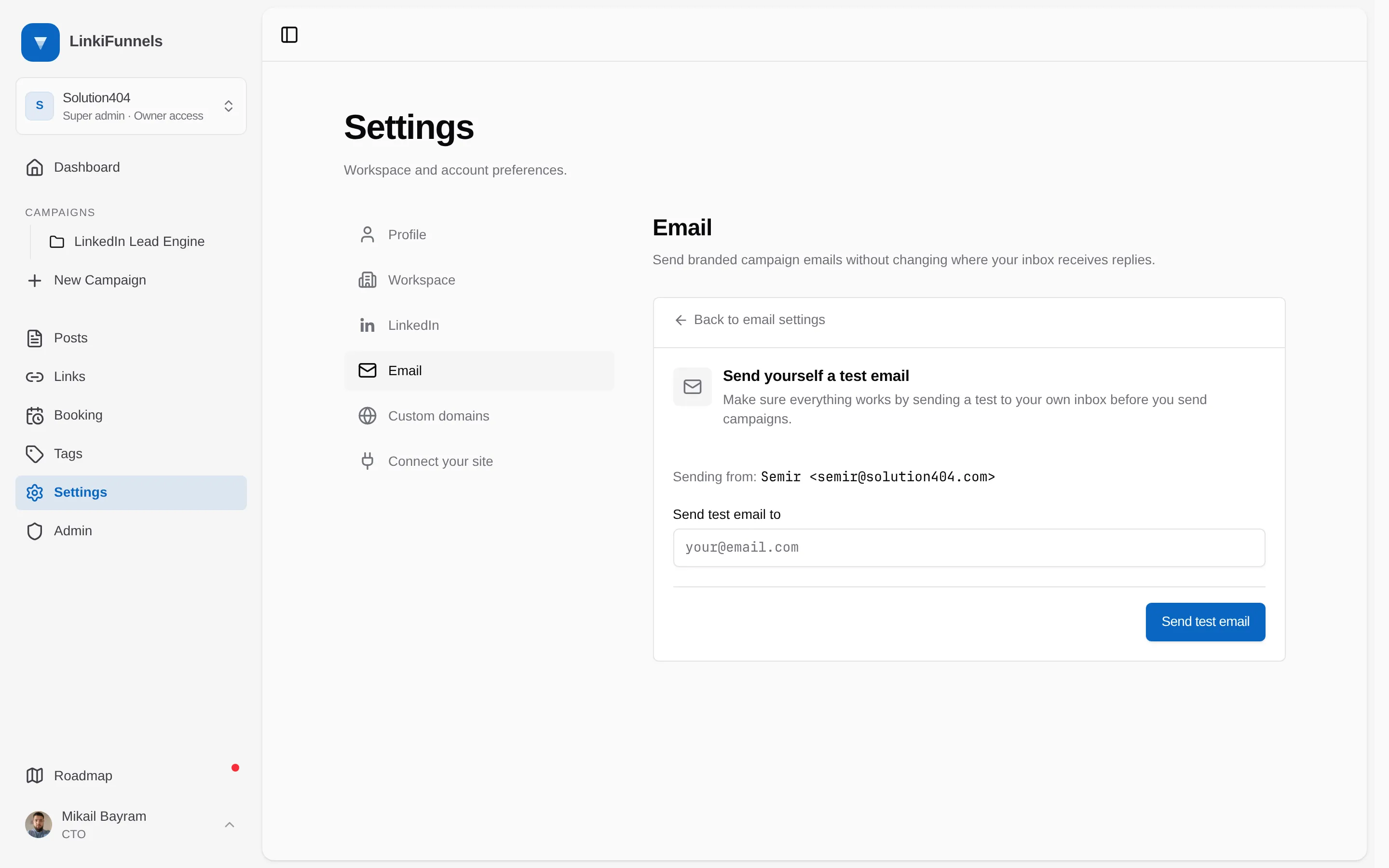
Send a test email
The Test email step sends a real email from your new identity to any address you enter. Check that it arrives in the inbox and that the From name and address look right.