Archive or reopen a campaign
Put a finished campaign away without losing its numbers, and bring it back when it runs again.
-
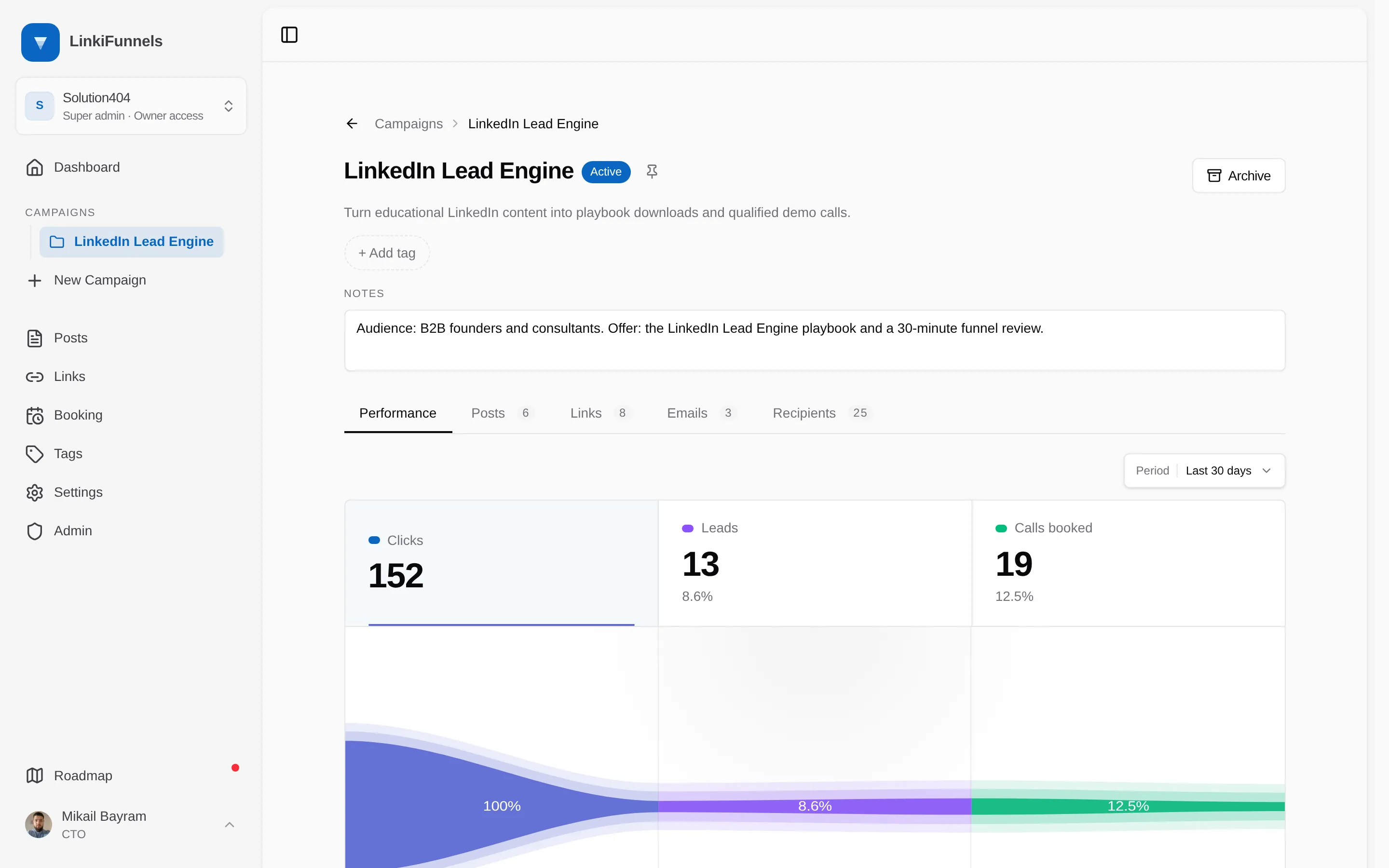
Open the campaign and choose Archive
The button sits in the campaign header. Archiving hides the campaign from the Campaigns page and from every campaign picker, unpins it, and pauses its email sequence.
-
Find it again under Archived
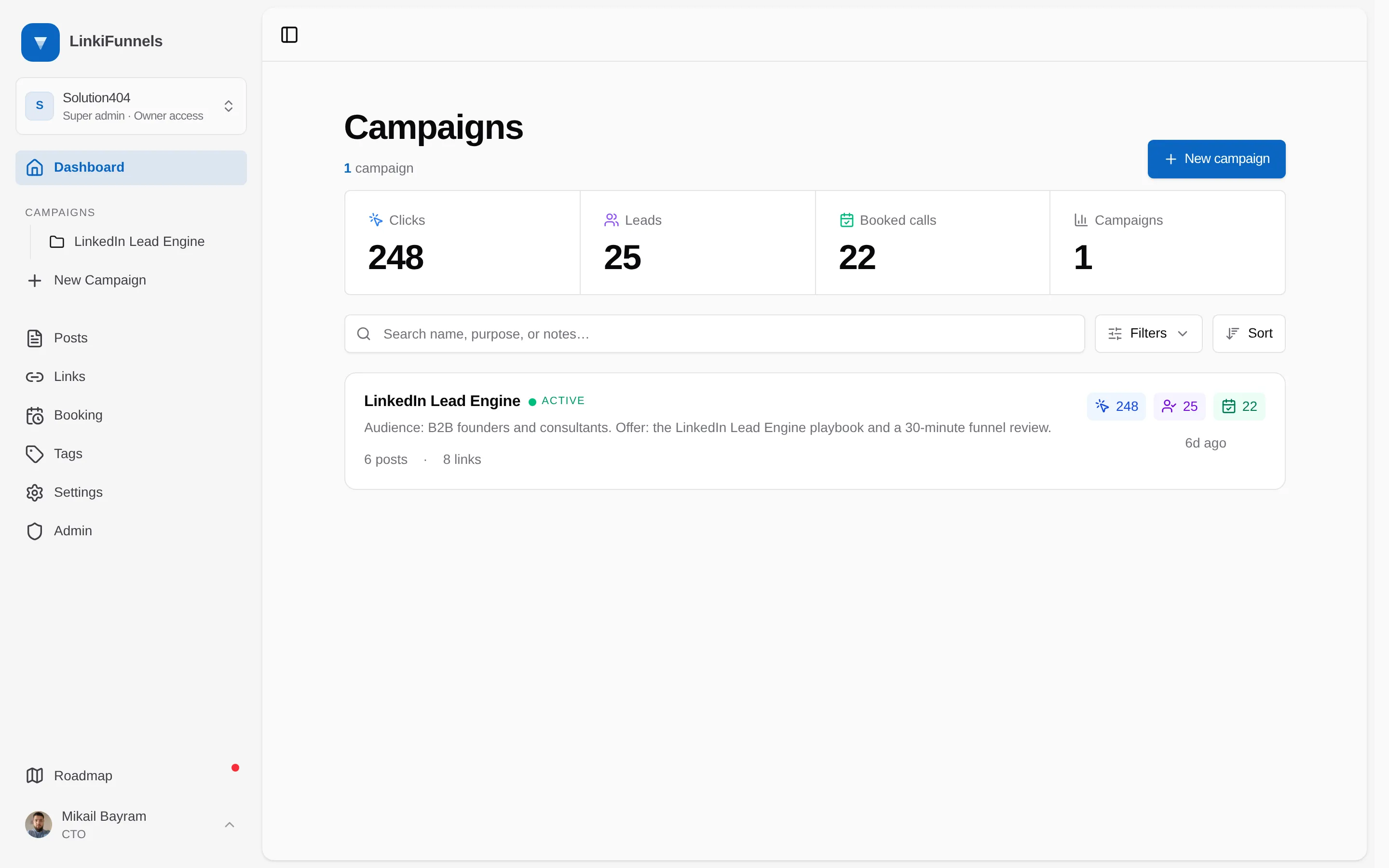
On the Campaigns page, filter by status and choose Archived. Posts, links, and all their numbers are still there, read only.
-
Restore when you need it
Open the archived campaign and choose Restore. It becomes active again. The email sequence stays paused until you resume it yourself.